Verificar lo que compró
Compre DOOH con pruebas: se le informa el resultado de cada oportunidad, hay fotografías donde el CMS de la pantalla las envía y cada aviso de victoria en una subasta trae el precio que usted paga.
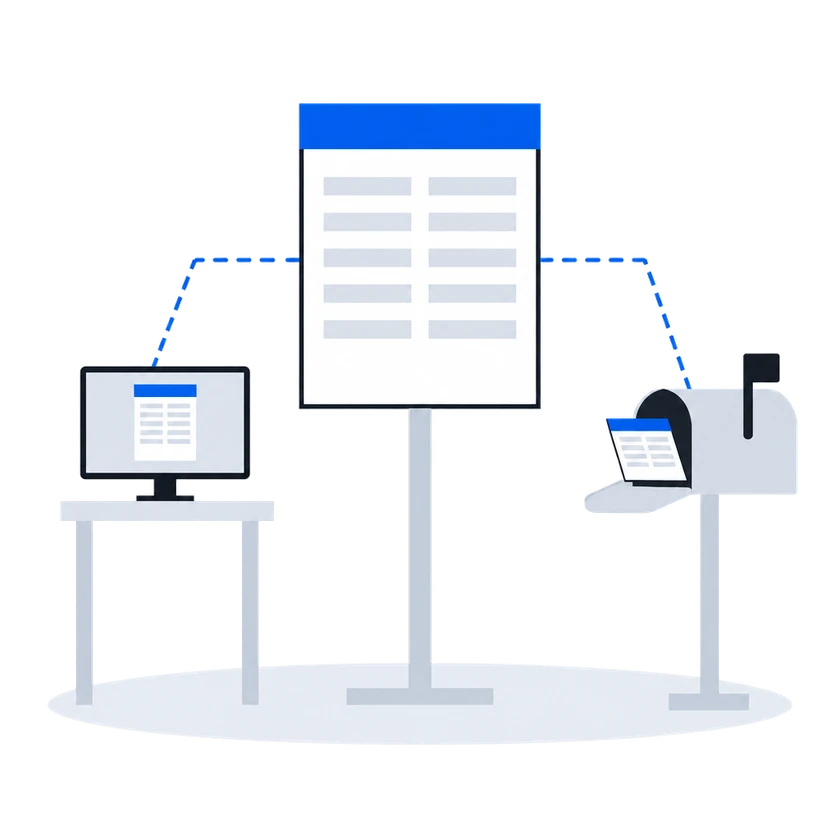
ExplorarSu conexión se registra una vez y aparece en la lista de cada empresa de publicidad exterior. Cada solicitud de puja muestra el precio mínimo, y en una subasta cada puja perdedora trae el motivo. Una creatividad rechazada vuelve con el motivo del revisor, y una aprobada, con las caras en las que puede pujar.
El contexto
Para un comprador, cada plataforma de oferta es un proyecto aparte: sincronización de pantallas, carga de creatividades, un motor de pujas (bidder) y estadísticas, construidos de nuevo cada vez. Las redes de pantallas independientes son muchas y pequeñas, así que la mayoría nunca se conecta, y sus pantallas quedan fuera del plan del comprador.
01/03Una conexión con todas las empresas de publicidad exterior de la plataforma
“Cada nueva plataforma de oferta implica construir otra vez la sincronización de pantallas, la carga de creatividades, el motor de pujas (bidder) y las estadísticas.”
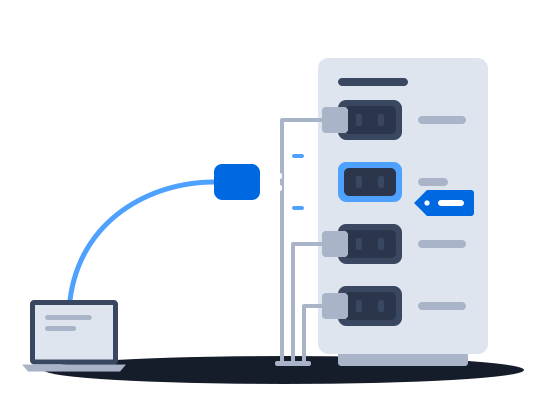
Un socio de demanda se conecta una vez para toda la plataforma y luego aparece en la lista de cada empresa de publicidad exterior que está en ella, desactivado hasta que cada una lo habilite. Un comprador que usa el protocolo propio de la plataforma no necesita ninguna integración especial. Con esa única conexión usted lee el catálogo de una empresa de publicidad exterior, envía creatividades a revisión, responde solicitudes de puja y recibe un aviso por cada puja que gana.
Registering a partner is platform administrator work. It creates one row in a registry shared by every organization on the installation. The partner’s identity and system type are fixed at that moment. Once the row exists, the partner appears in every organization’s list of demand partners, switched off.
Conexión y habilitación de un socio de demandaA buyer that speaks the platform’s own SSP protocol needs no bespoke integration — it is registered under the generic SSP system type, of which any number may exist, and that is the route most new demand partners take.
Adaptadores integrados para socios conocidos/requests) for your moderators to review. Nothing the partner bids can play until a creative of its has been approved and delivered to the content management system — see Creative approval.0203
“El precio mínimo se muestra antes de cada puja, y en una subasta cada puja perdedora vuelve con su motivo.”
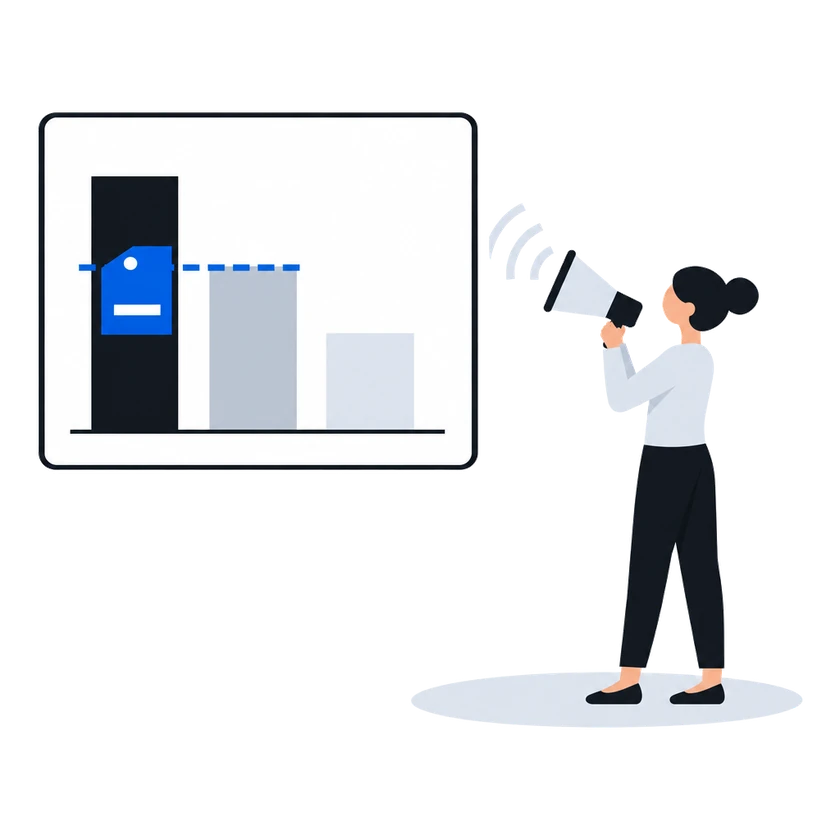
En la subasta de segundo precio, que es la opción predeterminada, antes de pujar se muestra la puja mínima que puede ganar: el precio mínimo de la empresa de publicidad exterior más la comisión de la plataforma. Una puja que no pasa una verificación se descarta, y se devuelve el motivo. En una lista de precios en modo subasta, el ganador paga un precio fijado por la segunda puja más alta y el precio mínimo, y cada puja perdedora recibe el motivo y, cuando perdió por precio, el importe ganador. En esa lista de precios, el ganador paga su propia puja solo si el administrador de la plataforma pasó a ese ganador a primer precio.
Cómo funciona, según la documentación (escrita para empresas de publicidad exterior)
A floor price is the least an organization will accept for one slot on one face. It is the number a demand partner is shown when it is offered the opportunity, and the number its bid is measured against when it answers.
In a second-price auction, the default, one thing happens between the number typed into the price list and the number a demand partner sees: the platform’s commission is added on top. The demand partner is asked to bid at least the amount that covers both the organization’s floor and the platform’s cut.
Precios mínimos, también basados en la audienciaA partner’s answer has to survive several checks before it counts as a bid at all. An answer that fails one of them is dropped, and the partner is told why over the same channel used for loss notices.
Subasta RTB de segundo precioEvery RTB price list runs in one of two modes, chosen when it is created and changeable afterwards.
Auction mode offers the opportunity to every demand partner in the price list at once and compares the bids that come back. This is the ordinary mode, and the one behind everything the RTB Auction section describes.
Waterfall mode asks the same partners and takes the first usable answer instead of comparing prices.
Listas de precios RTB (segmentación y grupos de prioridad)The auction is second price, unless the platform administrator has set first price for the winning partner, in which case the winner is charged its own bid. The winner is charged a clearing price derived from the runner-up’s bid and the floor price, expressed over the winner’s own creative length. Where there is no usable runner-up, the floor price is the basis.
The runner-up is the highest of the losing bids that does not exceed the winner’s, measured per second of creative. When the price list prices several creative lengths separately, only losing answers whose creative is the same length as the winner’s are considered; when the price list prices a single length, all losing answers are.
The clearing price is what the winning partner is told in its win notice, what the platform’s commission is calculated on, and what appears in reporting. The bid the partner originally submitted is recorded alongside it.
Every partner that answered and did not win is sent a loss notice carrying the reason and, where it lost on price, the winning amount.
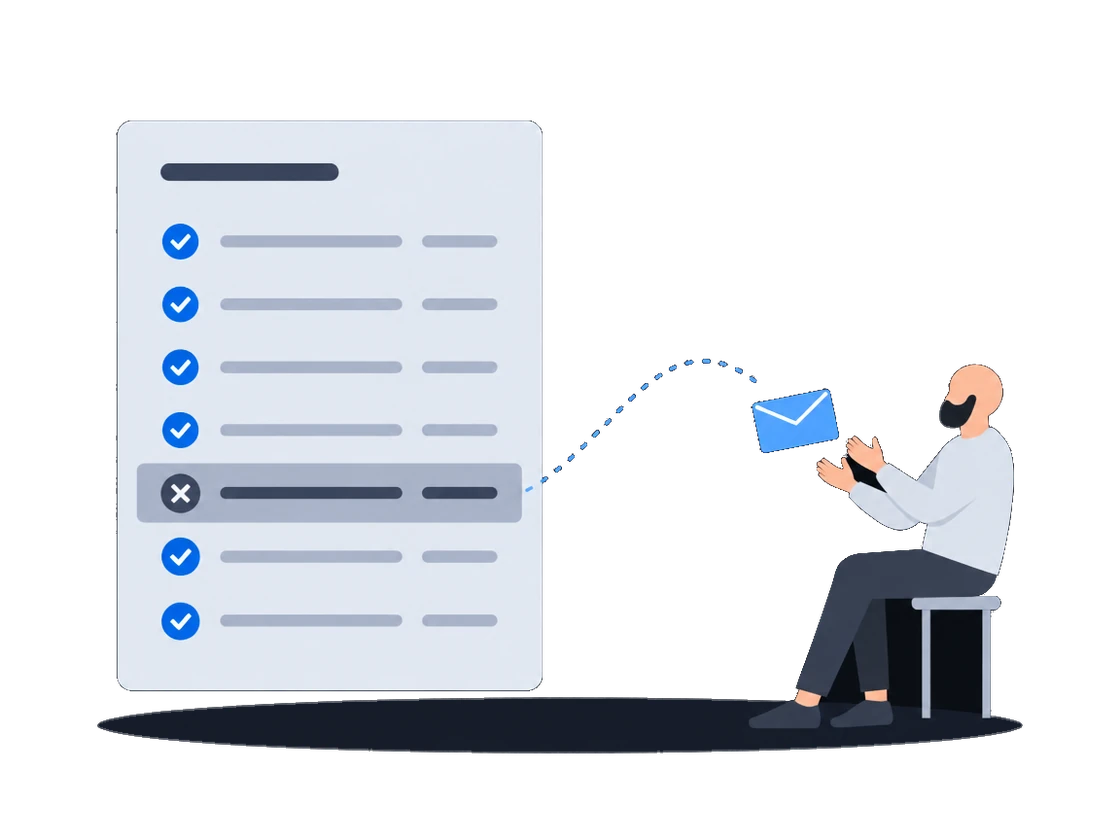
Subasta RTB de segundo precio“Una creatividad vuelve rechazada y tenemos que insistirle al lado de la oferta para saber por qué.”
Qué pasa hoyLa campaña espera mientras nuestro ejecutivo de cuentas le pregunta al lado de la oferta, el lado de la oferta le pregunta a la empresa de publicidad exterior y el motivo por fin llega en un chat.
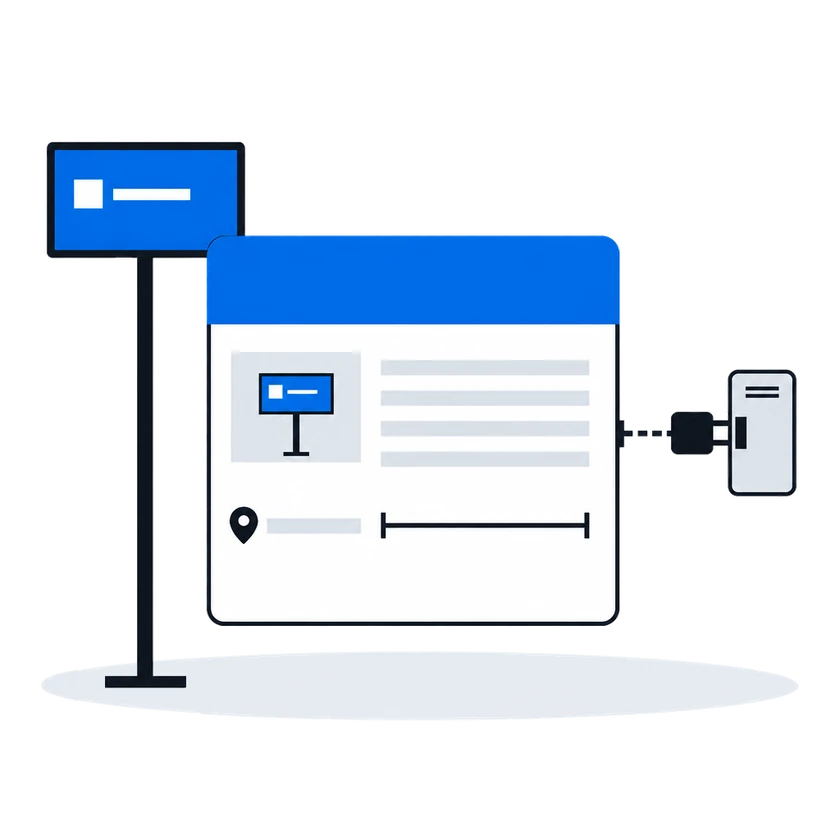
Cada rechazo trae el motivo del revisor, palabra por palabra, y cuando varios departamentos objetan, sus motivos llegan unidos en un solo mensaje. Una aprobación le dice en qué caras se autorizó la creatividad, para que sepa dónde pujar. Cada decisión se envía en un único aviso, así que consulte usted mismo el estado de una creatividad si no puede permitirse perderse ninguna.
Cómo funciona, según la documentación (escrita para empresas de publicidad exterior)
A reason is required on every rejection. It is free text, and it is sent to the demand partner verbatim.
If your organization uses employee positions, more than one person may reject the same creative before the outcome is settled. The platform waits for every position to vote, then combines them.
Only the rejecting positions contribute text. An approving position’s verdict carries no reason and adds nothing. The rejecting positions’ reasons are joined into one string separated by line breaks, and that joined string is what the demand partner receives as the rejection reason.
Motivos de rechazo y reenvíoOn approval the demand partner is told which faces the creative was approved for, so it knows where it may bid.
Revisión, aprobación y rechazo de creatividadesBoth flows tell the demand partner about a verdict — approval, rejection, or a layout sent back for review — with a single notification, sent after the decision is stored. The decision is recorded, the reason or comment is stored, and the queues show the outcome whether or not the partner received the notification. An integration that cannot afford to miss a verdict should also check status itself.
Motivos de rechazo y reenvíoAntes de empezar
Lo que usted hacePor qué, según la documentación
Acuerde con el administrador de la plataforma como qué tipo de comprador se lo registrará, porque eso decide si usted puja o no
Registering a partner is the platform administrator’s work. It adds one row to a registry the whole installation shares. The kind of buyer fixed on that row at registration decides whether the partner bids at all, whether a second row of that kind may exist, and which protocol the platform speaks to it — so it is worth agreeing with the partner what it should be before it is registered.
Conexión y habilitación de un socio de demandaObtenga su identificador de proveedor, y el identificador y el token de acceso de cada empresa de publicidad exterior
The partner needs four things from you before it can read your inventory or submit a creative:
Partners on their own protocols — the platform implements an adapter for each — need only the first three; Supported partners says which is which.
Conexión y habilitación de un socio de demandaPida a las empresas de publicidad exterior que confían en usted que lo incluyan en su lista de aprobación automática
An organization can name demand partners whose creatives are confirmed the moment they arrive. No employee sees them, no verdict is recorded, and nothing waits.
Lista de aprobación automática para socios de confianzaVenta en tiempo real
Conexiones de demanda
Otros escenarios
Compre DOOH con pruebas: se le informa el resultado de cada oportunidad, hay fotografías donde el CMS de la pantalla las envía y cada aviso de victoria en una subasta trae el precio que usted paga.
Explorar