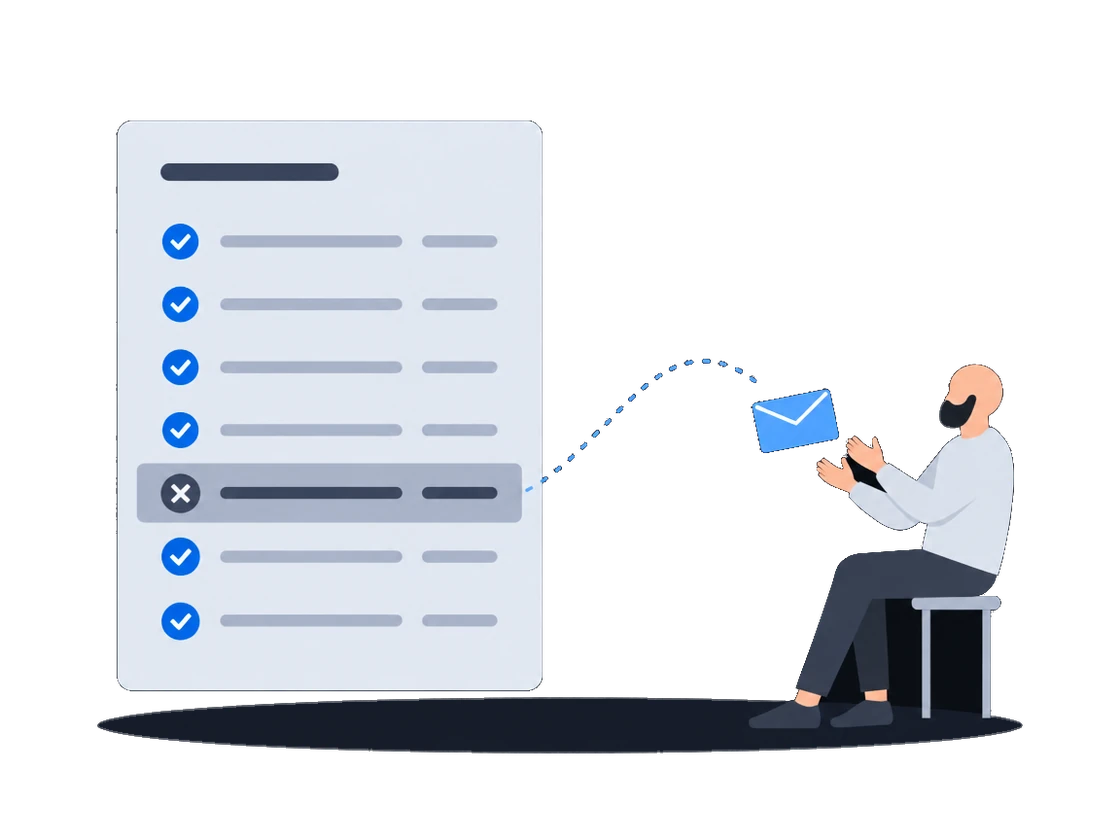
Проверить купленное
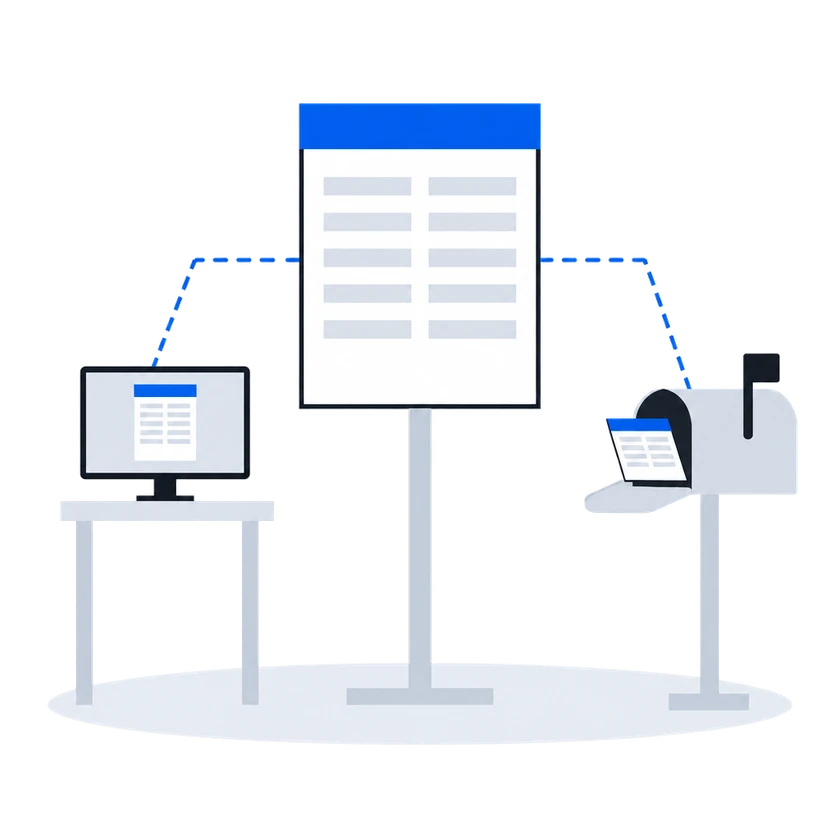
Покупайте DOOH на основе доказательств: вы узнаёте итог каждой возможности показа, фотографии есть там, где их передаёт CMS экрана, а цена, которую вы платите, указана в каждом уведомлении о выигрыше в аукционе.
СмотретьВаше подключение регистрируется один раз и появляется в списке каждого оператора. В каждом запросе ставки указана минимальная цена, а в аукционе по каждой проигравшей ставке вы узнаёте причину. Отклонённый креатив возвращается с причиной от проверяющего, а одобренный — со списком поверхностей, на которые по нему можно делать ставки.
Контекст
Для покупателя каждая платформа на стороне предложения — отдельный проект: синхронизация экранов, загрузка креативов, биддер и статистика, и всё это строится заново каждый раз. Независимых экранных сетей много, и они небольшие, поэтому большинство из них так и не подключают, и их экраны не попадают в медиаплан покупателя.
01/03Одно подключение ко всем операторам на платформе
“Каждая новая платформа на стороне предложения означает, что синхронизацию экранов, загрузку креативов, биддер и статистику придётся строить заново.”
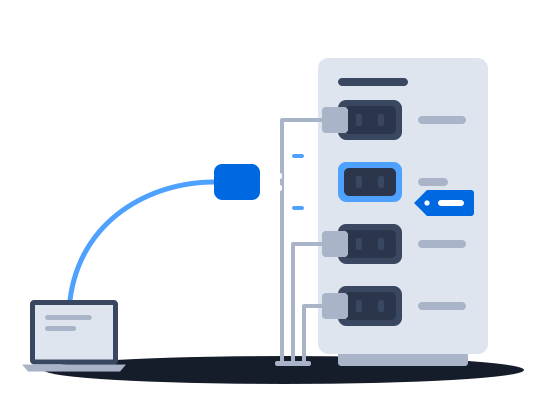
Партнёр по спросу подключается один раз для всей платформы и затем появляется выключенным в списке каждого оператора на ней, пока тот его не включит. Покупателю, который работает по собственному протоколу платформы, не нужна отдельная интеграция. Через это одно подключение вы читаете каталог оператора, отправляете креативы на проверку, отвечаете на запросы ставок и получаете уведомление о каждой выигранной ставке.
Registering a partner is platform administrator work. It creates one row in a registry shared by every organization on the installation. The partner’s identity and system type are fixed at that moment. Once the row exists, the partner appears in every organization’s list of demand partners, switched off.
Подключение и включение партнёра по спросуA buyer that speaks the platform’s own SSP protocol needs no bespoke integration — it is registered under the generic SSP system type, of which any number may exist, and that is the route most new demand partners take.
Встроенные адаптеры для известных партнёров/requests) for your moderators to review. Nothing the partner bids can play until a creative of its has been approved and delivered to the content management system — see Creative approval.0203
“Минимальная цена видна до каждой ставки, и в аукционе каждая проигравшая ставка возвращается с причиной.”
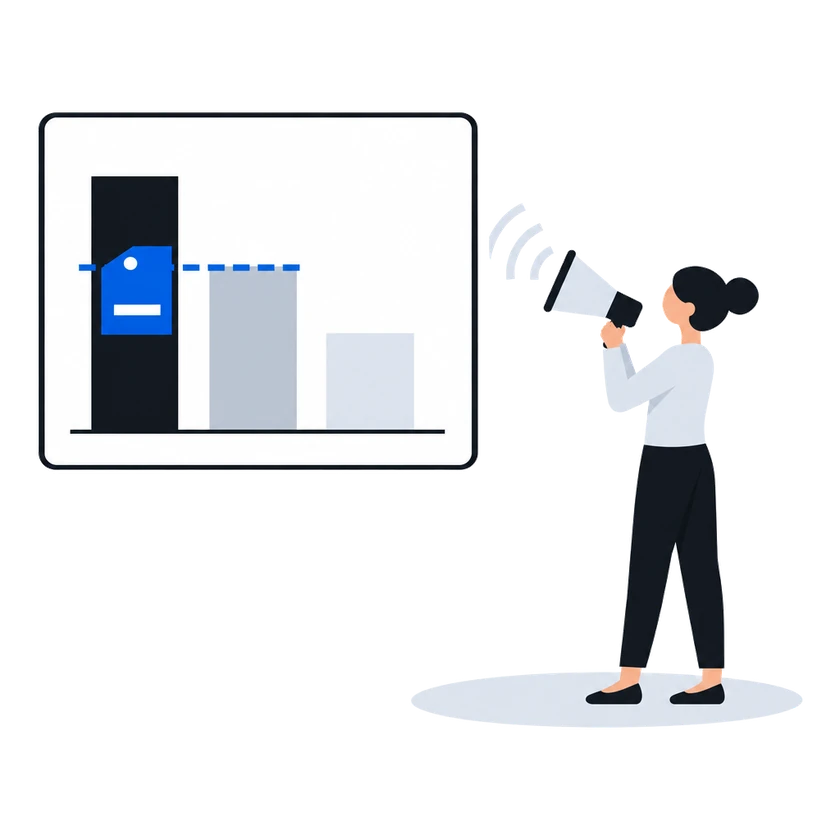
В аукционе второй цены, который работает по умолчанию, до ставки показывается наименьшая ставка, которая может выиграть: минимальная цена оператора с комиссией платформы сверху. Ставка, не прошедшая проверку, отбрасывается, и в ответ приходит причина. В прайс-листе в режиме аукциона победитель платит цену, которую задают вторая по величине ставка и минимальная цена, а на каждую проигравшую ставку приходит причина и, если она проиграла по цене, сумма победившей ставки. В таком прайс-листе победитель платит свою ставку, только если администратор платформы перевёл этого победителя на первую цену.
Как это работает, по документации (написана для владельцев экранов)
A floor price is the least an organization will accept for one slot on one face. It is the number a demand partner is shown when it is offered the opportunity, and the number its bid is measured against when it answers.
In a second-price auction, the default, one thing happens between the number typed into the price list and the number a demand partner sees: the platform’s commission is added on top. The demand partner is asked to bid at least the amount that covers both the organization’s floor and the platform’s cut.
Минимальные цены, в том числе по аудиторииA partner’s answer has to survive several checks before it counts as a bid at all. An answer that fails one of them is dropped, and the partner is told why over the same channel used for loss notices.
Аукцион RTB второй ценыEvery RTB price list runs in one of two modes, chosen when it is created and changeable afterwards.
Auction mode offers the opportunity to every demand partner in the price list at once and compares the bids that come back. This is the ordinary mode, and the one behind everything the RTB Auction section describes.
Waterfall mode asks the same partners and takes the first usable answer instead of comparing prices.
Прайс-листы RTB (таргетинг и группы приоритета)The auction is second price, unless the platform administrator has set first price for the winning partner, in which case the winner is charged its own bid. The winner is charged a clearing price derived from the runner-up’s bid and the floor price, expressed over the winner’s own creative length. Where there is no usable runner-up, the floor price is the basis.
The runner-up is the highest of the losing bids that does not exceed the winner’s, measured per second of creative. When the price list prices several creative lengths separately, only losing answers whose creative is the same length as the winner’s are considered; when the price list prices a single length, all losing answers are.
The clearing price is what the winning partner is told in its win notice, what the platform’s commission is calculated on, and what appears in reporting. The bid the partner originally submitted is recorded alongside it.
Every partner that answered and did not win is sent a loss notice carrying the reason and, where it lost on price, the winning amount.
Аукцион RTB второй цены“Креатив возвращается отклонённым, и причину нам приходится выяснять у продающей стороны.”
Что происходит сейчасКампания ждёт, пока наш аккаунт-менеджер спрашивает продающую сторону, та спрашивает оператора, и причина наконец приходит в чат.
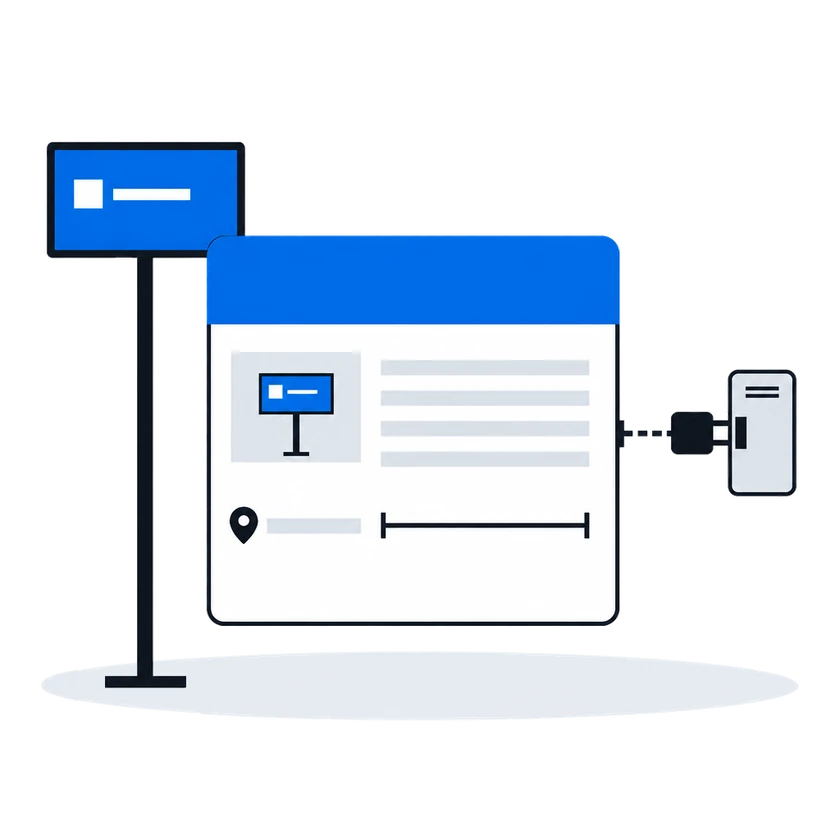
Каждый отказ содержит причину проверяющего слово в слово, а когда возражают несколько отделов, их причины приходят вместе в одном сообщении. Одобрение сообщает, для каких поверхностей креатив допущен, чтобы вы знали, где делать ставки. Каждое решение отправляется одним уведомлением, поэтому проверяйте статус креатива сами, если не можете позволить себе пропустить решение.
Как это работает, по документации (написана для владельцев экранов)
A reason is required on every rejection. It is free text, and it is sent to the demand partner verbatim.
If your organization uses employee positions, more than one person may reject the same creative before the outcome is settled. The platform waits for every position to vote, then combines them.
Only the rejecting positions contribute text. An approving position’s verdict carries no reason and adds nothing. The rejecting positions’ reasons are joined into one string separated by line breaks, and that joined string is what the demand partner receives as the rejection reason.
Причины отклонения и повторная подачаOn approval the demand partner is told which faces the creative was approved for, so it knows where it may bid.
Проверка, одобрение и отклонение креативовBoth flows tell the demand partner about a verdict — approval, rejection, or a layout sent back for review — with a single notification, sent after the decision is stored. The decision is recorded, the reason or comment is stored, and the queues show the outcome whether or not the partner received the notification. An integration that cannot afford to miss a verdict should also check status itself.
Причины отклонения и повторная подачаПеред началом
Что сделатьПочему, по документации
Согласуйте с администратором платформы, каким типом покупателя вас зарегистрируют, потому что от этого зависит, будете ли вы вообще делать ставки
Registering a partner is the platform administrator’s work. It adds one row to a registry the whole installation shares. The kind of buyer fixed on that row at registration decides whether the partner bids at all, whether a second row of that kind may exist, and which protocol the platform speaks to it — so it is worth agreeing with the partner what it should be before it is registered.
Подключение и включение партнёра по спросуПолучите свой идентификатор поставщика, а также идентификатор и токен доступа каждого оператора
The partner needs four things from you before it can read your inventory or submit a creative:
Partners on their own protocols — the platform implements an adapter for each — need only the first three; Supported partners says which is which.
Подключение и включение партнёра по спросуПопросите операторов, которые вам доверяют, внести вас в свой список автоматического одобрения
An organization can name demand partners whose creatives are confirmed the moment they arrive. No employee sees them, no verdict is recorded, and nothing waits.
Список автоматического одобрения для доверенных партнёровПродажи в реальном времени
Подключение партнёров по спросу
Другие сценарии
Покупайте DOOH на основе доказательств: вы узнаёте итог каждой возможности показа, фотографии есть там, где их передаёт CMS экрана, а цена, которую вы платите, указана в каждом уведомлении о выигрыше в аукционе.
Смотреть