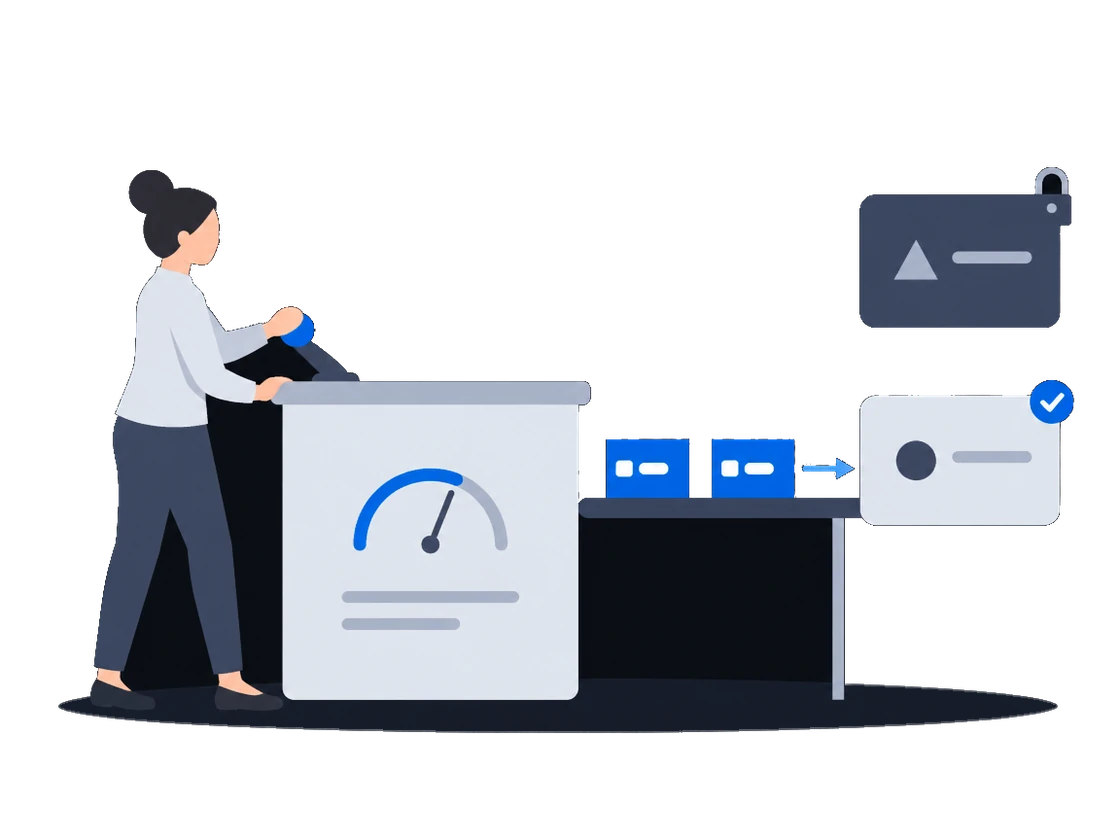
Продавайте эфирное время по цифрам, которые покупатель строит из тех же подтверждённых показов, что и вы: покупатель узнаёт о каждой возможности показа, состоялся показ или нет, фотографии есть там, где их передаёт ваша CMS, а финансовые записи никто не переписывает.
СмотретьВаше эфирное время продаётся от вашего имени включённым вами партнёрам по спросу не дешевле ваших минимальных цен
Покупать могут только партнёры по спросу, которых вы включили, и только на поверхностях, которые им открывает ваш прайс-лист. Партнёр, которого вы отключили, сразу теряет доступ. В аукционе каждый партнёр видит вашу минимальную цену до ставки и узнаёт, по какой цене выиграл или почему проиграл.
Контекст
Чтобы получить доступ к программатик-бюджетам, оператор обычно выставляет свои экраны на чужой торговой площадке. С этого момента площадка решает, кто может покупать какие экраны и по какой цене, а оператору, который хочет избавиться от покупателя, приходится об этом просить.
01/03Только включённые вами партнёры и только на выбранных вами поверхностях
“Никто между нами и покупателями не покупает наше же эфирное время: платформа рекламу не покупает, а делать ставки могут только партнёры, которых мы включили.”
Продаёт для вас платформа, которая сама ничего не покупает
CS Context продаёт ваше эфирное время от вашего имени и сам рекламу не покупает, поэтому никогда не делает ставок на ваши экраны. Партнёр по спросу может покупать только после того, как ваша организация его включила, а ваш прайс-лист решает, какие партнёры могут покупать какие поверхности и по какой минимальной цене.
Как это работает, по документации
CityScreen Context is a supply-side platform (SSP) for digital out-of-home advertising. It sells the airtime on a screen operator’s screens, on that operator’s behalf, to the buyers connected to it.
It does not own screens, does not play anything on them, and does not buy advertising. It sits between the system that runs the screens and the systems that want to advertise on them, and it decides what is sold, to whom, and for how much.
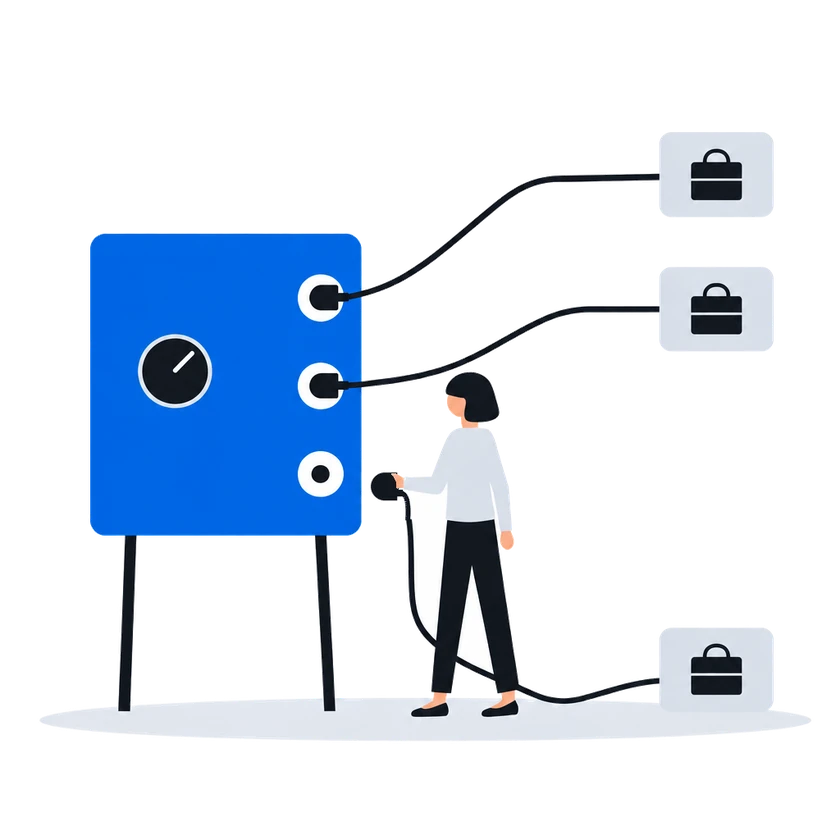
A demand partner has to pass two gates before it can buy anything. The platform operator registers it once, platform-wide. Each organization then enables it for itself, with its own connection details.
Neither gate substitutes for the other. A registered partner no organization has enabled buys nothing; an enabled partner whose registry row is switched off buys nothing either.
Подключение и включение партнёра по спросуAn RTB price list is the central selling rule. One price list decides, at the same time, which demand partners may buy, which faces they may buy, what the floor price is and how the answers that come back are compared.
Прайс-листы RTB (таргетинг и группы приоритета)0203
02 “Когда мы перестаём продавать партнёру, в тот же момент ему перестают приходить запросы и он теряет доступ к нашему каталогу.” →Отключите партнёра, и он сразу теряет доступ
“Когда мы перестаём продавать партнёру, в тот же момент ему перестают приходить запросы и он теряет доступ к нашему каталогу.”
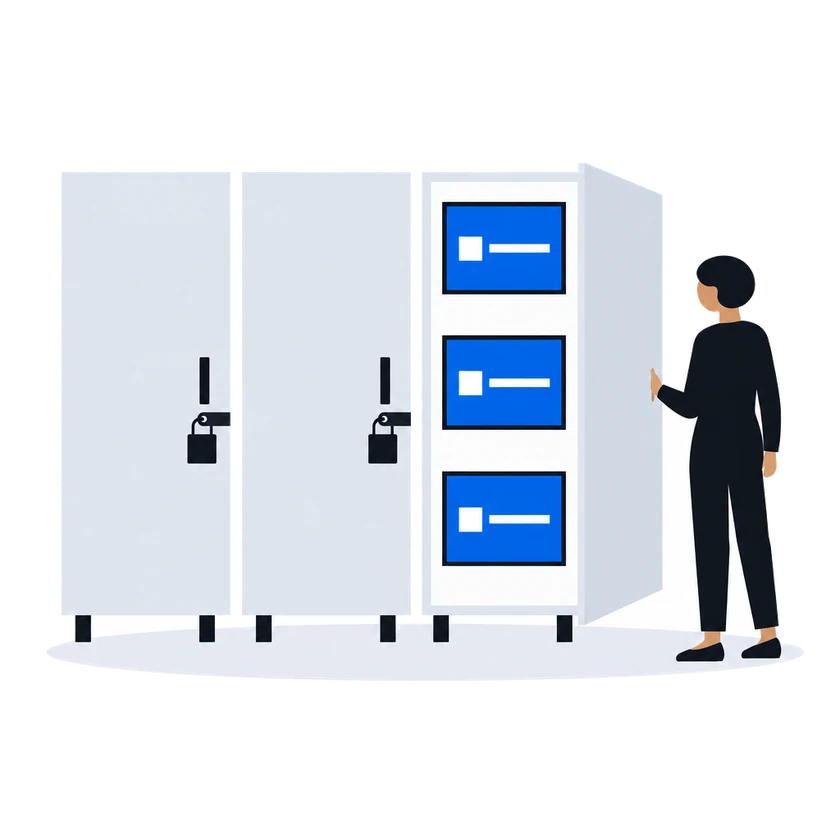
Отключите партнёра по спросу для своей организации, и в тот же момент ему перестают приходить запросы на ваши слоты, а читать ваш каталог он больше не может. Чтобы закрыть партнёру только часть поверхностей, исключите его в прайс-листе для этих поверхностей.
Как это работает, по документации
Where the settings are enforced:
At the door, when the partner calls the platform. A partner reading inventory, submitting a creative or pulling statistics presents the organization’s access token under its own provider id. The call is accepted only if that organization has that partner enabled. Disabling a partner therefore closes its read access at the same moment it stops the bid requests, without any credential being revoked.
Enabling a partner makes it available to the organization. Which of its enabled partners actually see a given face is decided by the price list covering that face, and a price list expresses this in one of two shapes.
An allow list. The priority group names the partners it contains. Only those partners are asked.
A block list. The priority group is marked as an exclusion and names the partners to leave out. Every other partner the organization has enabled is asked.
Подключение и включение партнёра по спросу03 “Минимальная цена видна до каждой ставки, и в аукционе каждая проигравшая ставка возвращается с причиной.” →Минимальная цена видна заранее, а у каждого итога аукциона есть цена или причина
“Минимальная цена видна до каждой ставки, и в аукционе каждая проигравшая ставка возвращается с причиной.”
В аукционе второй цены, который работает по умолчанию, до ставки показывается наименьшая ставка, которая может выиграть: минимальная цена оператора с комиссией платформы сверху. Ставка, не прошедшая проверку, отбрасывается, и в ответ приходит причина. В прайс-листе в режиме аукциона победитель платит цену, которую задают вторая по величине ставка и минимальная цена, а на каждую проигравшую ставку приходит причина и, если она проиграла по цене, сумма победившей ставки. В таком прайс-листе победитель платит свою ставку, только если администратор платформы перевёл этого победителя на первую цену.
Как это работает, по документации
A floor price is the least an organization will accept for one slot on one face. It is the number a demand partner is shown when it is offered the opportunity, and the number its bid is measured against when it answers.
In a second-price auction, the default, one thing happens between the number typed into the price list and the number a demand partner sees: the platform’s commission is added on top. The demand partner is asked to bid at least the amount that covers both the organization’s floor and the platform’s cut.
Минимальные цены, в том числе по аудиторииA partner’s answer has to survive several checks before it counts as a bid at all. An answer that fails one of them is dropped, and the partner is told why over the same channel used for loss notices.
Аукцион RTB второй ценыEvery RTB price list runs in one of two modes, chosen when it is created and changeable afterwards.
Auction mode offers the opportunity to every demand partner in the price list at once and compares the bids that come back. This is the ordinary mode, and the one behind everything the RTB Auction section describes.
Waterfall mode asks the same partners and takes the first usable answer instead of comparing prices.
Прайс-листы RTB (таргетинг и группы приоритета)The auction is second price, unless the platform administrator has set first price for the winning partner, in which case the winner is charged its own bid. The winner is charged a clearing price derived from the runner-up’s bid and the floor price, expressed over the winner’s own creative length. Where there is no usable runner-up, the floor price is the basis.
The runner-up is the highest of the losing bids that does not exceed the winner’s, measured per second of creative. When the price list prices several creative lengths separately, only losing answers whose creative is the same length as the winner’s are considered; when the price list prices a single length, all losing answers are.
The clearing price is what the winning partner is told in its win notice, what the platform’s commission is calculated on, and what appears in reporting. The bid the partner originally submitted is recorded alongside it.
Every partner that answered and did not win is sent a loss notice carrying the reason and, where it lost on price, the winning amount.
Аукцион RTB второй ценыПеред началом
Что потребуется от вас при настройке
Что сделатьПочему, по документации
До запуска согласуйте комиссию вашей организации с администратором платформы, потому что при нулевой комиссии ничего не продаётся
A newly created organization starts with its organization tariff commission at zero, and the platform sells only once it is above zero.
Before the platform offers a bid opportunity for a face it resolves a tariff commission for that face — the face’s inventory tariff if one covers it, the organization tariff otherwise — and while that value is zero or below the ad request is refused and no demand partner is asked. The content management system gets an error.
Only the platform administrator can raise the organization tariff commission above zero, so agree on it with them at the same sitting as the organization is created.
Настройка организации и юридические лицаПопросите администратора платформы один раз зарегистрировать нового партнёра по спросу, затем включите его для своей организации
Registering a partner is platform administrator work. It creates one row in a registry shared by every organization on the installation. The partner’s identity and system type are fixed at that moment. Once the row exists, the partner appears in every organization’s list of demand partners, switched off.
Подключение и включение партнёра по спросуУкажите в прайс-листе партнёра по спросу и минимальную цену
Minimum viable pricing in CityScreen Context is three things: a price list, a demand partner in it, and a floor price on it.
Прайс-листы RTB (таргетинг и группы приоритета)Передайте каждому партнёру идентификатор вашей организации и токен доступа, чтобы он мог читать ваш каталог и присылать креативы
The partner needs four things from you before it can read your inventory or submit a creative:
- its provider id, as registered in step 1;
- your organization’s identifier, shown on Settings → Agencies;
- your organization’s access token, shown on the same screen — see Access tokens;
- which version of the protocol to build against, if it speaks the platform’s own one.
Partners on their own protocols — the platform implements an adapter for each — need only the first three; Supported partners says which is which.
Подключение и включение партнёра по спросу
CS Context · Возможности в этом сценарии5
Продажи в реальном времени
Подключение партнёров по спросу
Администрирование
Другие сценарии
CS Context настраивается под вашу сеть.
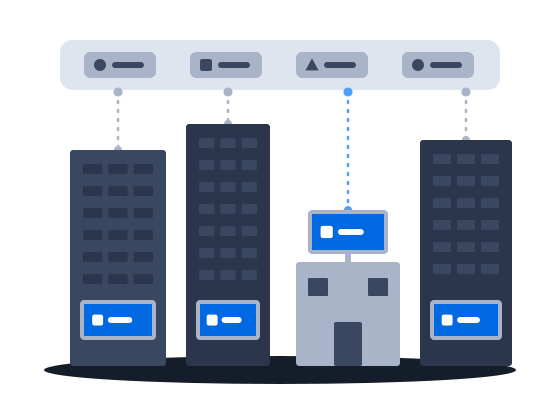
Деньги агентств стекаются к сетям, которые легко купить. CS Context позволяет независимой сети включить со своими данными подключения партнёров по спросу, которые уже есть на платформе, а доказательства показов хранятся в той же системе.
СмотретьКреативы покупателей выходят в эфир на улицах после одобрения ваших собственных отделов, на выбранных вами поверхностях; без очереди проходят только покупатели из вашего списка автоматического одобрения и партнёры, которым вы продаёте через приватные сделки.
СмотретьСоперник в борьбе за бюджет — онлайн-канал, который подтверждает каждый показ отдельным событием. CS Context даёт наружной рекламе доказательства показов, которые медиабайер может сравнить с этим каналом.
Смотреть