
Satın aldığınızı doğrulayın
DOOH'u kanıta dayanarak satın alın: her fırsatın sonucu size bildirilir, ekranın CMS'inin sağladığı yerlerde fotoğraflar vardır ve ödediğiniz fiyat her açık artırma kazanma bildiriminde yer alır.
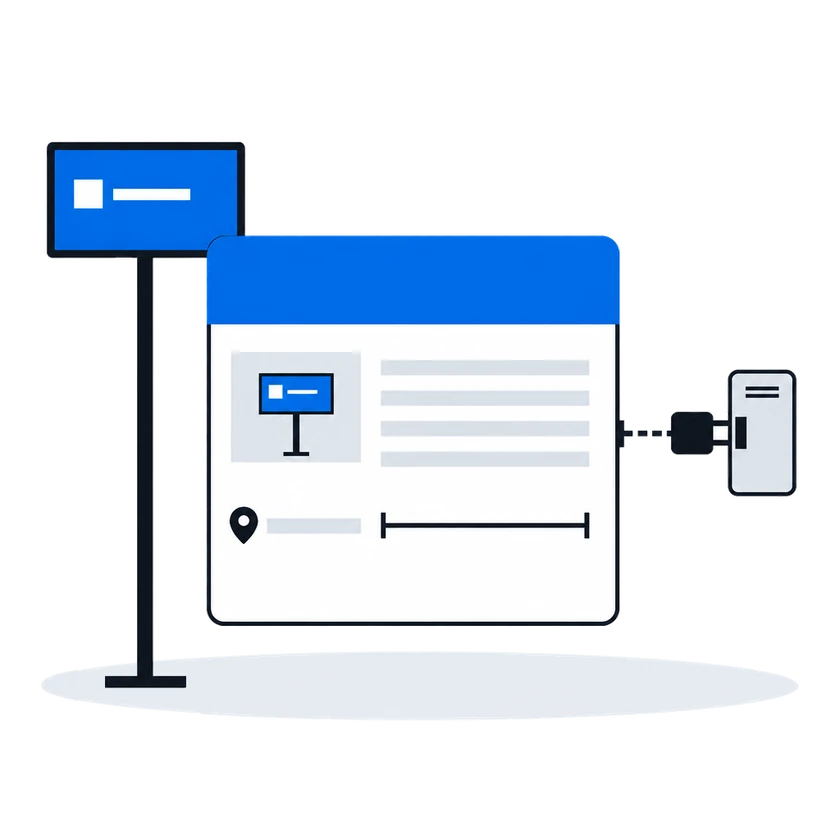
İnceleyinBağlantınız bir kez kaydedilir ve her medya sahibinin listesinde görünür. Her teklif isteği taban fiyatı gösterir, açık artırmada kaybedilen her teklif de nedenini söyler. Reddedilen bir reklam içeriği inceleyenin gerekçesiyle, onaylanan bir içerik ise onunla teklif verebileceğiniz yüzlerle geri döner.
Bağlam
Bir alıcı için her arz tarafı platformu ayrı bir projedir: ekran senkronizasyonu, reklam içeriği yükleme, bir teklif motoru ve istatistikler her seferinde yeniden kurulur. Bağımsız ekran ağları çok sayıda ve küçüktür; bu yüzden çoğu hiç bağlanmaz ve ekranları alıcının planına girmez.
01/03Tek bağlantı, platformdaki her medya sahibi
“Her yeni arz tarafı platformu, ekran senkronizasyonunu, reklam içeriği yüklemeyi, teklif motorunu ve istatistikleri baştan kurmak demek.”
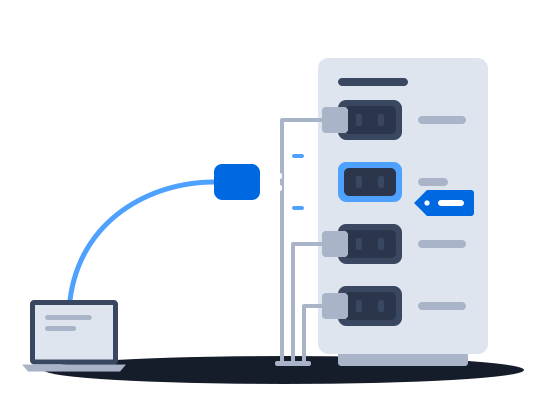
Bir talep ortağı tüm platform için bir kez bağlanır ve ardından platformdaki her medya sahibinin listesinde, her biri onu etkinleştirene kadar kapalı olarak görünür. Platformun kendi protokolünü kullanan bir alıcının özel bir entegrasyona ihtiyacı yoktur. Bu tek bağlantıyla bir medya sahibinin kataloğunu okur, reklam içeriklerini incelemeye gönderir, teklif isteklerini yanıtlar ve kazandığınız her teklif için bir kazanma bildirimi alırsınız.
Registering a partner is platform administrator work. It creates one row in a registry shared by every organization on the installation. The partner’s identity and system type are fixed at that moment. Once the row exists, the partner appears in every organization’s list of demand partners, switched off.
Bir talep ortağının bağlanması ve etkinleştirilmesiA buyer that speaks the platform’s own SSP protocol needs no bespoke integration — it is registered under the generic SSP system type, of which any number may exist, and that is the route most new demand partners take.
Adı belli ortaklar için yerleşik adaptörler/requests) for your moderators to review. Nothing the partner bids can play until a creative of its has been approved and delivered to the content management system — see Creative approval.0203
“Taban fiyat her tekliften önce gösterilir ve açık artırmada kaybeden her teklif nedeniyle birlikte geri döner.”
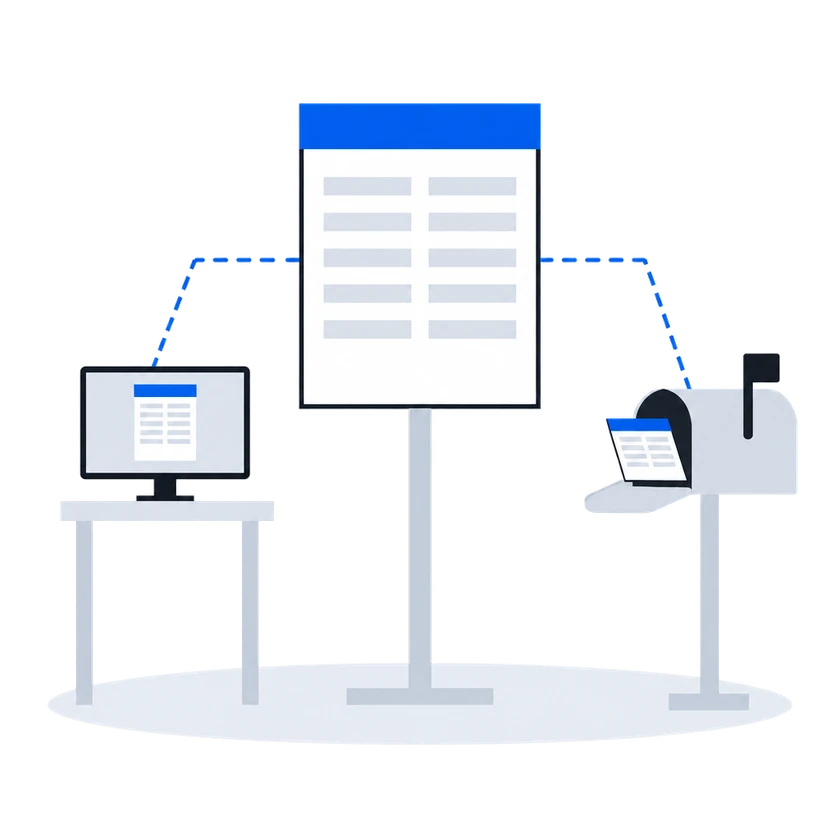
Varsayılan ikinci fiyat açık artırmasında teklif vermeden önce kazanabilecek en düşük teklif gösterilir: medya sahibinin taban fiyatı ve üzerine platformun komisyonu. Bir kontrolü geçemeyen teklif elenir ve nedeni geri bildirilir. Açık artırma modundaki bir fiyat listesinde kazanan, ikinci en yüksek teklif ile taban fiyata göre belirlenen bir fiyat öder; kaybeden her teklife nedeni ve fiyat yüzünden kaybettiyse kazanan tutar bildirilir. Böyle bir fiyat listesinde kazanan, kendi teklifini yalnızca platform yöneticisi o kazananı birinci fiyata geçirdiyse öder.
Nasıl çalışır: dokümantasyondan (medya sahipleri için yazıldı)
A floor price is the least an organization will accept for one slot on one face. It is the number a demand partner is shown when it is offered the opportunity, and the number its bid is measured against when it answers.
In a second-price auction, the default, one thing happens between the number typed into the price list and the number a demand partner sees: the platform’s commission is added on top. The demand partner is asked to bid at least the amount that covers both the organization’s floor and the platform’s cut.
Kitleye dayalı taban fiyatlandırma dahil taban fiyatlarA partner’s answer has to survive several checks before it counts as a bid at all. An answer that fails one of them is dropped, and the partner is told why over the same channel used for loss notices.
İkinci fiyat RTB açık artırmasıEvery RTB price list runs in one of two modes, chosen when it is created and changeable afterwards.
Auction mode offers the opportunity to every demand partner in the price list at once and compares the bids that come back. This is the ordinary mode, and the one behind everything the RTB Auction section describes.
Waterfall mode asks the same partners and takes the first usable answer instead of comparing prices.
RTB fiyat listeleri (hedefleme ve öncelik grupları)The auction is second price, unless the platform administrator has set first price for the winning partner, in which case the winner is charged its own bid. The winner is charged a clearing price derived from the runner-up’s bid and the floor price, expressed over the winner’s own creative length. Where there is no usable runner-up, the floor price is the basis.
The runner-up is the highest of the losing bids that does not exceed the winner’s, measured per second of creative. When the price list prices several creative lengths separately, only losing answers whose creative is the same length as the winner’s are considered; when the price list prices a single length, all losing answers are.
The clearing price is what the winning partner is told in its win notice, what the platform’s commission is calculated on, and what appears in reporting. The bid the partner originally submitted is recorded alongside it.
Every partner that answered and did not win is sent a loss notice carrying the reason and, where it lost on price, the winning amount.
İkinci fiyat RTB açık artırması“Bir reklam içeriği reddedilmiş olarak geri geliyor ve nedenini öğrenmek için arz tarafının peşine düşmemiz gerekiyor.”
Bugün ne oluyorMüşteri temsilcimiz arz tarafına, arz tarafı da medya sahibine sorarken kampanya bekler ve gerekçe sonunda bir sohbet mesajıyla gelir.
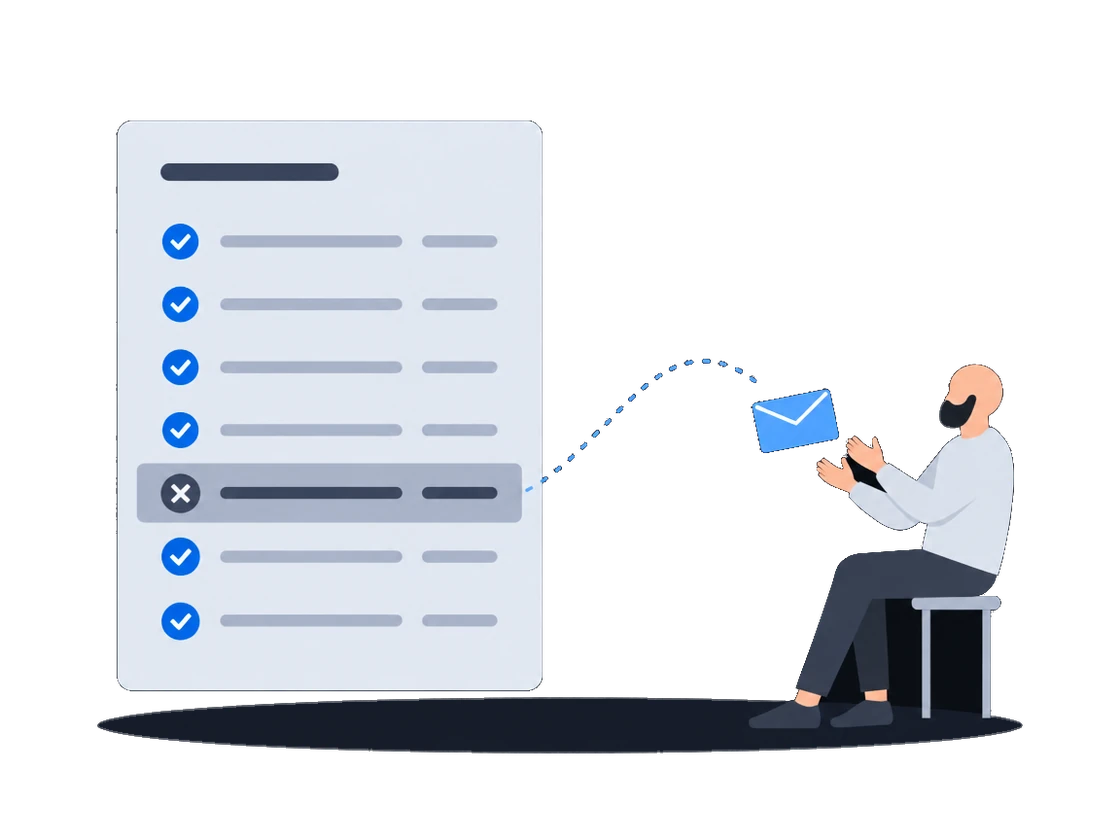
Her ret, inceleyenin gerekçesini kelimesi kelimesine taşır; birden fazla departman itiraz ettiğinde gerekçeleri tek bir mesajda birleşerek gelir. Onay, reklam içeriğinin hangi yüzler için onaylandığını bildirir; böylece nerede teklif vereceğinizi bilirsiniz. Her karar tek bir bildirimle gönderilir; bir kararı kaçırmayı göze alamıyorsanız reklam içeriğinin durumunu kendiniz kontrol edin.
Nasıl çalışır: dokümantasyondan (medya sahipleri için yazıldı)
A reason is required on every rejection. It is free text, and it is sent to the demand partner verbatim.
If your organization uses employee positions, more than one person may reject the same creative before the outcome is settled. The platform waits for every position to vote, then combines them.
Only the rejecting positions contribute text. An approving position’s verdict carries no reason and adds nothing. The rejecting positions’ reasons are joined into one string separated by line breaks, and that joined string is what the demand partner receives as the rejection reason.
Ret gerekçeleri ve yeniden gönderimOn approval the demand partner is told which faces the creative was approved for, so it knows where it may bid.
Reklam içeriklerinin incelenmesi, onaylanması ve reddedilmesiBoth flows tell the demand partner about a verdict — approval, rejection, or a layout sent back for review — with a single notification, sent after the decision is stored. The decision is recorded, the reason or comment is stored, and the queues show the outcome whether or not the partner received the notification. An integration that cannot afford to miss a verdict should also check status itself.
Ret gerekçeleri ve yeniden gönderimBaşlamadan önce
Yapmanız gerekenNeden: dokümantasyondan
Hangi tür alıcı olarak kaydedileceğinizi platform yöneticisiyle kararlaştırın, çünkü teklif verip vermeyeceğinizi bu belirler
Registering a partner is the platform administrator’s work. It adds one row to a registry the whole installation shares. The kind of buyer fixed on that row at registration decides whether the partner bids at all, whether a second row of that kind may exist, and which protocol the platform speaks to it — so it is worth agreeing with the partner what it should be before it is registered.
Bir talep ortağının bağlanması ve etkinleştirilmesiSağlayıcı kimliğinizi ve her medya sahibinin kimliğini ve erişim token'ını alın
The partner needs four things from you before it can read your inventory or submit a creative:
Partners on their own protocols — the platform implements an adapter for each — need only the first three; Supported partners says which is which.
Bir talep ortağının bağlanması ve etkinleştirilmesiSize güvenen medya sahiplerinden sizi otomatik onay listelerine eklemelerini isteyin
An organization can name demand partners whose creatives are confirmed the moment they arrive. No employee sees them, no verdict is recorded, and nothing waits.
Güvenilir ortaklar için otomatik onay listesiGerçek zamanlı satış
Talep bağlantıları
Diğer senaryolar
DOOH'u kanıta dayanarak satın alın: her fırsatın sonucu size bildirilir, ekranın CMS'inin sağladığı yerlerde fotoğraflar vardır ve ödediğiniz fiyat her açık artırma kazanma bildiriminde yer alır.
İnceleyin