CS Context · Senaryo
Programatiği kendiniz yönetin

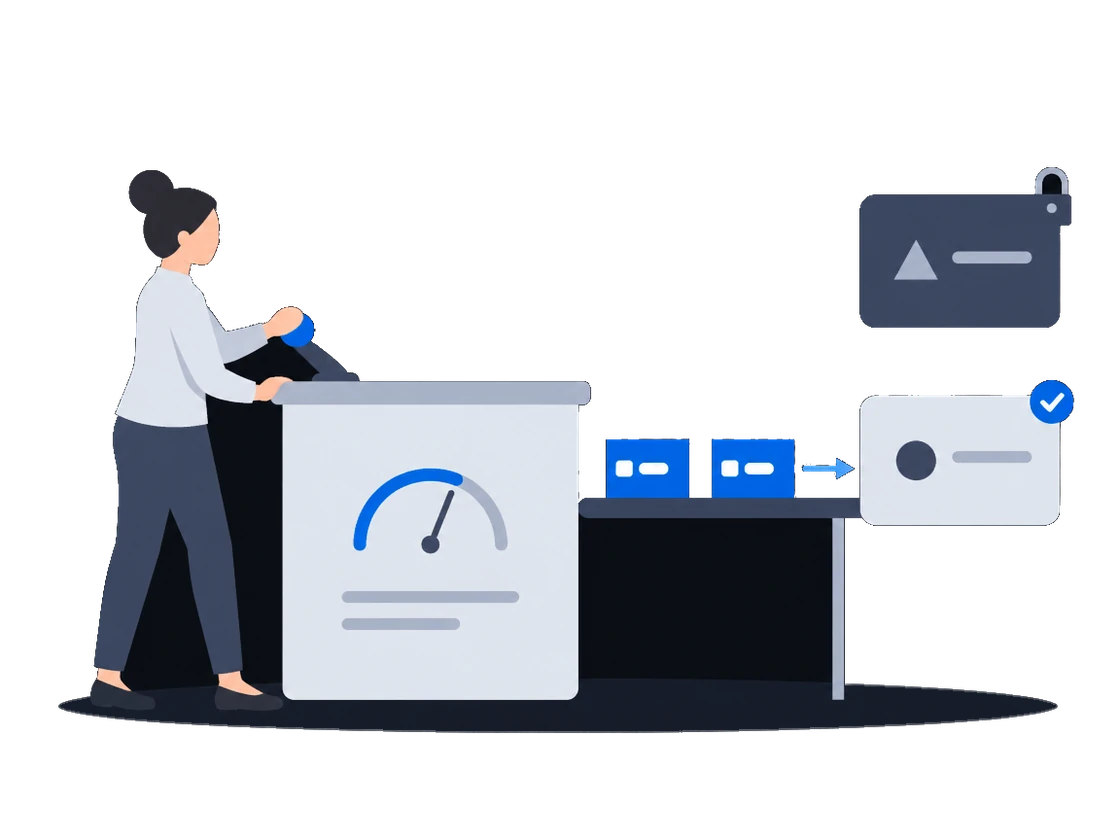
Yayın süreniz, sizin adınıza, etkinleştirdiğiniz talep ortaklarına taban fiyatlarınızın altına düşmeden satılır

Yalnızca etkinleştirdiğiniz talep ortakları, fiyat listenizin onlara açtığı yüzlerde satın alabilir. Kapattığınız bir ortağın erişimi hemen kesilir. Açık artırmada her ortak teklif vermeden önce taban fiyatınızı görür ve hangi fiyata kazandığını ya da neden kaybettiğini öğrenir.

Demo talep edin CS Context belgeleri

Bağlam

Programatik bütçelere ulaşmak için bir medya sahibi genellikle ekranlarını başkasının pazaryerine koyar. Bundan sonra kimin hangi ekranları hangi fiyata satın alabileceğine pazaryeri karar verir ve bir alıcıyı çıkarmak isteyen medya sahibi bunu talep etmek zorunda kalır.

01/03Yalnızca etkinleştirdiğiniz ortaklar, seçtiğiniz yüzlerde

“Bizimle alıcılar arasında kimse yayın süremizi ayrıca satın almıyor: platform reklam satın almaz ve yalnızca etkinleştirdiğimiz ortaklar teklif verebilir.”

Kendisi hiçbir şey satın almayan bir platform sizin için satar

CS Context yayın sürenizi sizin adınıza satar ve kendisi reklam satın almaz, bu yüzden ekranlarınız için asla teklif vermez. Bir talep ortağı ancak organizasyonunuz onu etkinleştirdikten sonra satın alabilir; hangi ortakların hangi yüzleri hangi taban fiyatla satın alabileceğine de fiyat listeniz karar verir.

Nasıl çalışır: dokümantasyondan

CityScreen Context is a supply-side platform (SSP) for digital out-of-home advertising. It sells the airtime on a screen operator’s screens, on that operator’s behalf, to the buyers connected to it.

It does not own screens, does not play anything on them, and does not buy advertising. It sits between the system that runs the screens and the systems that want to advertise on them, and it decides what is sold, to whom, and for how much.

A demand partner has to pass two gates before it can buy anything. The platform operator registers it once, platform-wide. Each organization then enables it for itself, with its own connection details.

Neither gate substitutes for the other. A registered partner no organization has enabled buys nothing; an enabled partner whose registry row is switched off buys nothing either.

Bir talep ortağının bağlanması ve etkinleştirilmesi

An RTB price list is the central selling rule. One price list decides, at the same time, which demand partners may buy, which faces they may buy, what the floor price is and how the answers that come back are compared.

RTB fiyat listeleri (hedefleme ve öncelik grupları)

0203

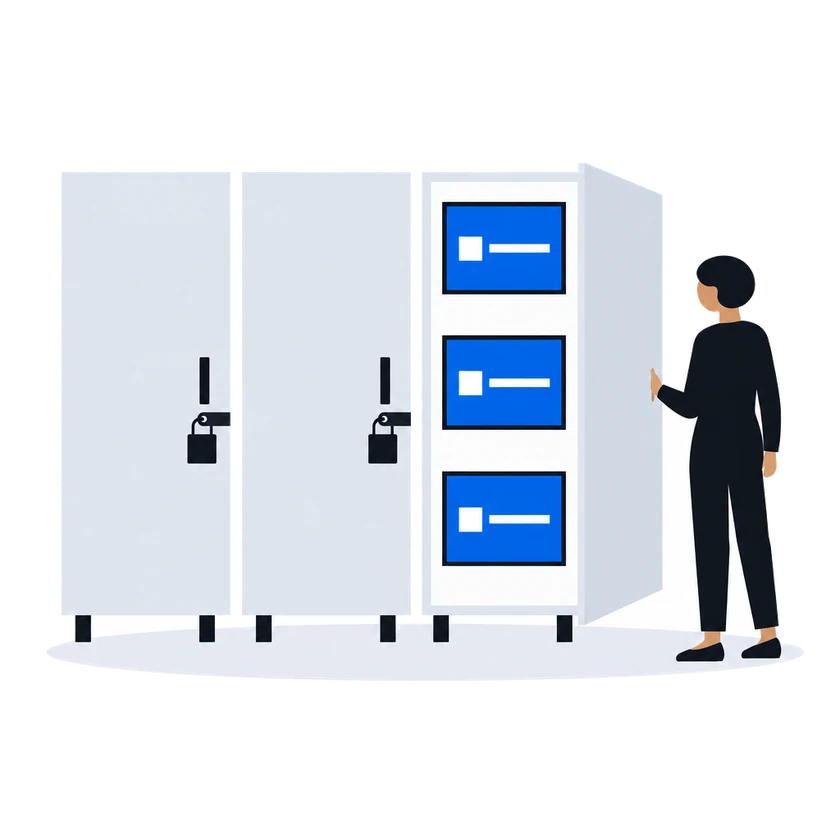
02 “Bir ortağa satmayı bıraktığımızda, ortak aynı anda istek almayı bırakır ve kataloğumuza erişimini kaybeder.” Bir ortağı kapatın, erişimi hemen kesilir

“Bir ortağa satmayı bıraktığımızda, ortak aynı anda istek almayı bırakır ve kataloğumuza erişimini kaybeder.”

Bir talep ortağını organizasyonunuz için kapatın; aynı anda slotlarınız için ona istek gönderilmez ve kataloğunuzu artık okuyamaz. Bir ortağı yalnızca bazı yüzlerden uzak tutmak için onu o yüzlerin fiyat listesinde hariç tutun.

Nasıl çalışır: dokümantasyondan

Where the settings are enforced:

At the door, when the partner calls the platform. A partner reading inventory, submitting a creative or pulling statistics presents the organization’s access token under its own provider id. The call is accepted only if that organization has that partner enabled. Disabling a partner therefore closes its read access at the same moment it stops the bid requests, without any credential being revoked.

Enabling a partner makes it available to the organization. Which of its enabled partners actually see a given face is decided by the price list covering that face, and a price list expresses this in one of two shapes.

An allow list. The priority group names the partners it contains. Only those partners are asked.

A block list. The priority group is marked as an exclusion and names the partners to leave out. Every other partner the organization has enabled is asked.

Bir talep ortağının bağlanması ve etkinleştirilmesi
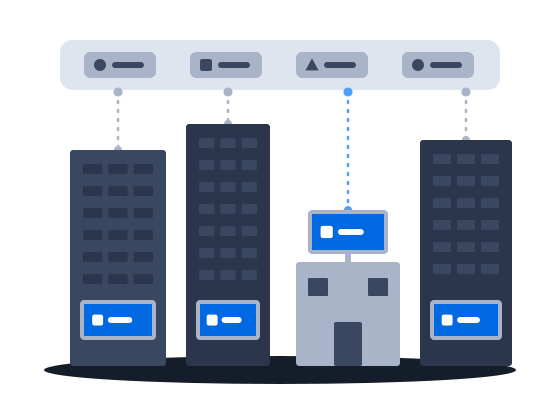
03 “Taban fiyat her tekliften önce gösterilir ve açık artırmada kaybeden her teklif nedeniyle birlikte geri döner.” Taban fiyat baştan görünür ve her açık artırma sonucu fiyatı ya da nedeniyle gelir

“Taban fiyat her tekliften önce gösterilir ve açık artırmada kaybeden her teklif nedeniyle birlikte geri döner.”

Varsayılan ikinci fiyat açık artırmasında teklif vermeden önce kazanabilecek en düşük teklif gösterilir: medya sahibinin taban fiyatı ve üzerine platformun komisyonu. Bir kontrolü geçemeyen teklif elenir ve nedeni geri bildirilir. Açık artırma modundaki bir fiyat listesinde kazanan, ikinci en yüksek teklif ile taban fiyata göre belirlenen bir fiyat öder; kaybeden her teklife nedeni ve fiyat yüzünden kaybettiyse kazanan tutar bildirilir. Böyle bir fiyat listesinde kazanan, kendi teklifini yalnızca platform yöneticisi o kazananı birinci fiyata geçirdiyse öder.

Nasıl çalışır: dokümantasyondan

A floor price is the least an organization will accept for one slot on one face. It is the number a demand partner is shown when it is offered the opportunity, and the number its bid is measured against when it answers.

In a second-price auction, the default, one thing happens between the number typed into the price list and the number a demand partner sees: the platform’s commission is added on top. The demand partner is asked to bid at least the amount that covers both the organization’s floor and the platform’s cut.

Kitleye dayalı taban fiyatlandırma dahil taban fiyatlar

A partner’s answer has to survive several checks before it counts as a bid at all. An answer that fails one of them is dropped, and the partner is told why over the same channel used for loss notices.

İkinci fiyat RTB açık artırması

Every RTB price list runs in one of two modes, chosen when it is created and changeable afterwards.

Auction mode offers the opportunity to every demand partner in the price list at once and compares the bids that come back. This is the ordinary mode, and the one behind everything the RTB Auction section describes.

Waterfall mode asks the same partners and takes the first usable answer instead of comparing prices.

RTB fiyat listeleri (hedefleme ve öncelik grupları)

The auction is second price, unless the platform administrator has set first price for the winning partner, in which case the winner is charged its own bid. The winner is charged a clearing price derived from the runner-up’s bid and the floor price, expressed over the winner’s own creative length. Where there is no usable runner-up, the floor price is the basis.

The runner-up is the highest of the losing bids that does not exceed the winner’s, measured per second of creative. When the price list prices several creative lengths separately, only losing answers whose creative is the same length as the winner’s are considered; when the price list prices a single length, all losing answers are.

The clearing price is what the winning partner is told in its win notice, what the platform’s commission is calculated on, and what appears in reporting. The bid the partner originally submitted is recorded alongside it.

Every partner that answered and did not win is sent a loss notice carrying the reason and, where it lost on price, the winning amount.

İkinci fiyat RTB açık artırması

Başlamadan önce

Kurulumun sizden istedikleri

Yapmanız gerekenNeden: dokümantasyondan

  • Yayına başlamadan önce organizasyonunuzun komisyonunu platform yöneticisiyle kararlaştırın, çünkü komisyon sıfırken hiçbir şey satılmaz

    A newly created organization starts with its organization tariff commission at zero, and the platform sells only once it is above zero.

    Before the platform offers a bid opportunity for a face it resolves a tariff commission for that face — the face’s inventory tariff if one covers it, the organization tariff otherwise — and while that value is zero or below the ad request is refused and no demand partner is asked. The content management system gets an error.

    Only the platform administrator can raise the organization tariff commission above zero, so agree on it with them at the same sitting as the organization is created.

    Organizasyon kurulumu ve tüzel kişiler
  • Yeni bir talep ortağını platform yöneticisine bir kez kaydettirin, ardından organizasyonunuz için etkinleştirin

    Registering a partner is platform administrator work. It creates one row in a registry shared by every organization on the installation. The partner’s identity and system type are fixed at that moment. Once the row exists, the partner appears in every organization’s list of demand partners, switched off.

    Bir talep ortağının bağlanması ve etkinleştirilmesi
  • Bir fiyat listesine bir talep ortağı ve bir taban fiyat ekleyin

    Minimum viable pricing in CityScreen Context is three things: a price list, a demand partner in it, and a floor price on it.

    RTB fiyat listeleri (hedefleme ve öncelik grupları)
  • Her ortağa organizasyonunuzun kimliğini ve erişim token'ını verin, böylece kataloğunuzu okuyabilir ve reklam içeriği gönderebilir

    The partner needs four things from you before it can read your inventory or submit a creative:

    • its provider id, as registered in step 1;
    • your organization’s identifier, shown on Settings → Agencies;
    • your organization’s access token, shown on the same screen — see Access tokens;
    • which version of the protocol to build against, if it speaks the platform’s own one.

    Partners on their own protocols — the platform implements an adapter for each — need only the first three; Supported partners says which is which.

    Bir talep ortağının bağlanması ve etkinleştirilmesi
CS Context · Bu senaryodaki özellikler5

Diğer senaryolar

CS Context ağınıza göre uyarlanır.

Her oynatmanın kanıtı

Yayın süresini, alıcının sizinle aynı onaylanmış oynatmalardan oluşturduğu rakamlarla satın: oynatılan ya da gösterilmeyen her fırsat alıcıya bildirilir, CMS'inizin gönderdiği yerlerde fotoğraflar vardır ve finansal kayıtları kimse yeniden yazmaz.

İnceleyin
Bağımsız ve oyunda

Ajans bütçeleri satın alınması kolay ağlarda toplanıyor. CS Context'te bağımsız bir ağ, platformda zaten bulunan talep ortaklarını kendi bağlantı bilgileriyle etkinleştirebilir; teslimat kanıtları da aynı sistemde tutulur.

İnceleyin
Ekranlarınızda kendi kurallarınız

Alıcıların reklam içerikleri, kendi departmanlarınız onay verdikten sonra seçtiğiniz yüzlerde sokağa çıkar; sırayı yalnızca otomatik onay listenizdeki alıcılar ve özel anlaşmalarla sattığınız ortaklar atlar.

İnceleyin
Çevrimiçi bütçeler için rekabet

Bütçedeki rakip, teslimatı olay olay kanıtlayan çevrimiçi kanaldır. CS Context, açıkhava reklamcılığına bir medya alıcısının bu kanalla karşılaştırabileceği teslimat kanıtı sağlar.

İnceleyin

Genel bakış: CS Context

Envanterinizi kendi koşullarınızda programatik pazara çıkarın.